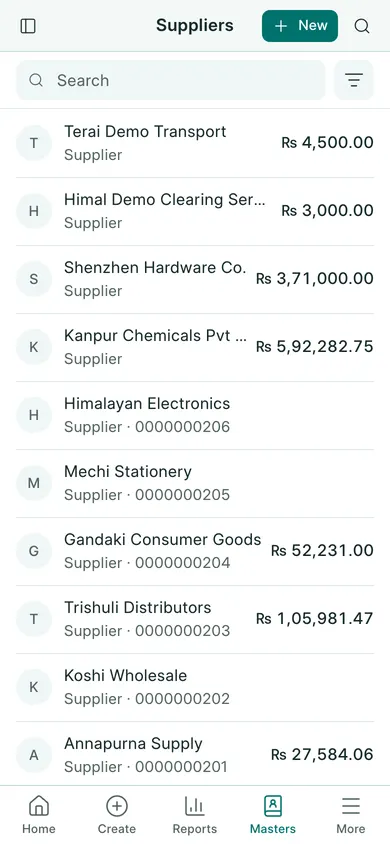
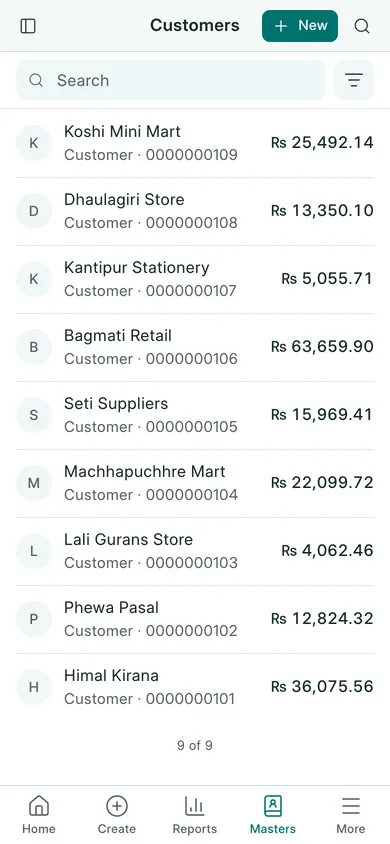
BookPana stores customers and suppliers as parties. The same party can be used for both when its role is set accordingly.
Add or edit a party
- Open Sales → Customers, or Purchases → Suppliers.
- Choose New to add a party, or open an existing name to edit it.
- Fill Name. Enter the party’s actual PAN / VAT No. when available.
- For a new address, fill Local Body & Ward No., District and Country in Address & contact, then check Contact No.. An existing party may instead show its saved Address link; open it to review the address.
- Open Other details for the party’s role and other fields when needed.
- Choose Save and confirm Yes. From an invoice, the quick-create dialog has a Save Customer or Save Supplier button on a computer, or Save on a phone.
Check before billing
Select the party on an invoice and check the PAN, address and contact information shown below its name. Correct the master record before submitting the transaction.
Use Customer Ledger or Supplier Ledger to review invoices and settlements. Do not make a second party just to fix a spelling or missing address. Ask the owner or accountant to check duplicates before entering more transactions.
In BookPana
Example screens use fictional demo data. Your records and available actions depend on your company and access.
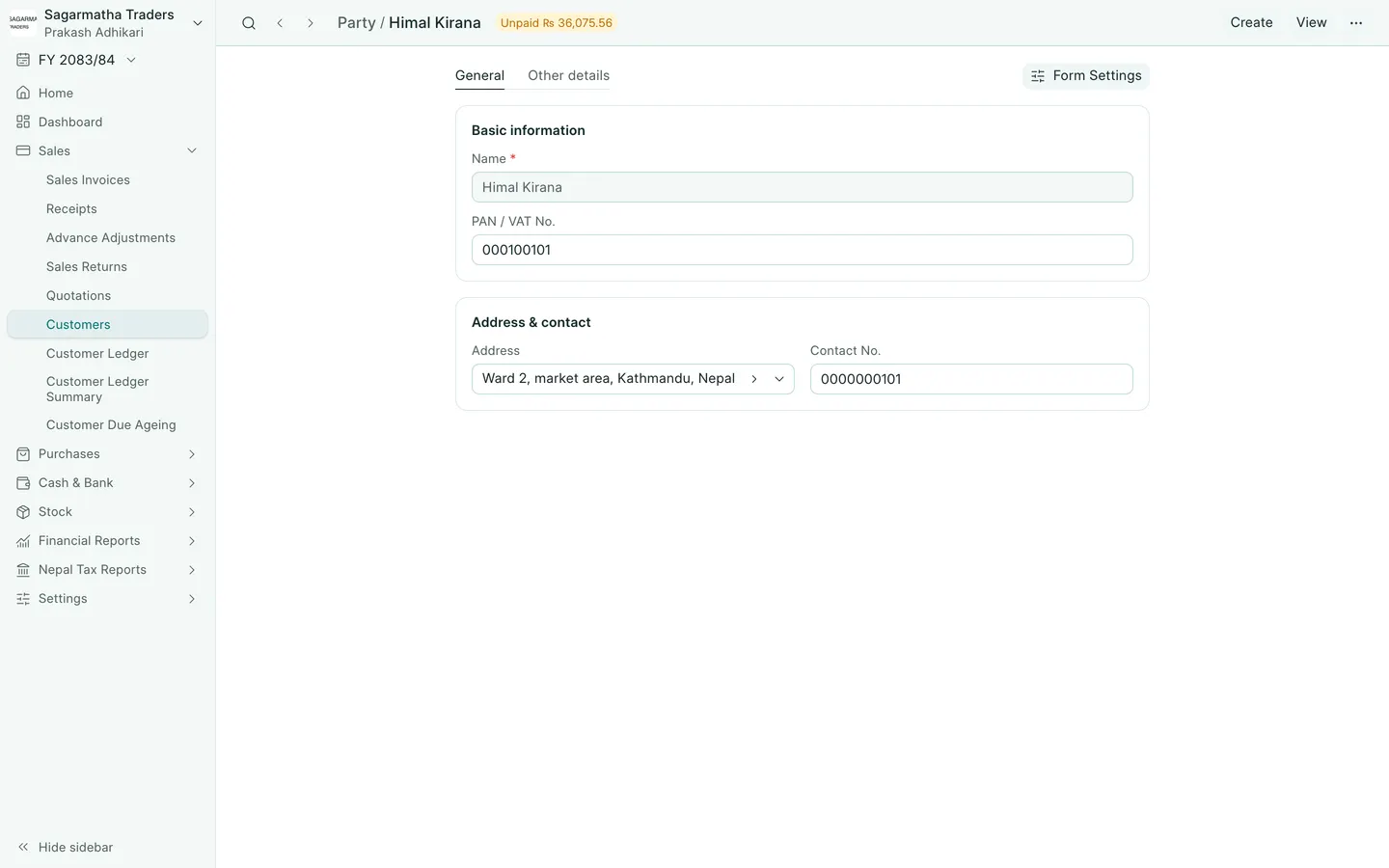
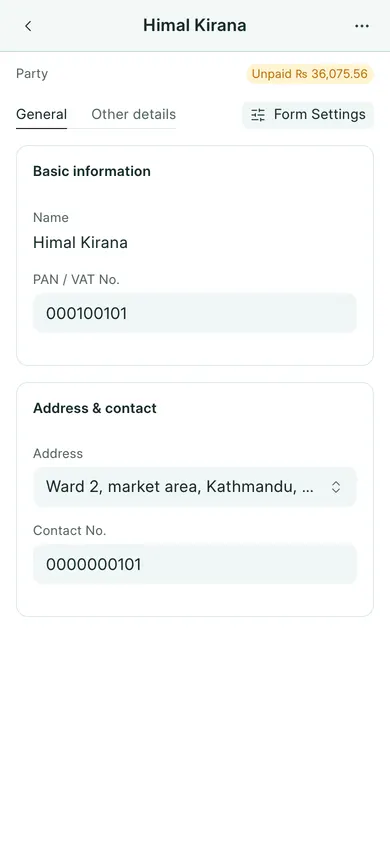
See the phone layout: Customer details
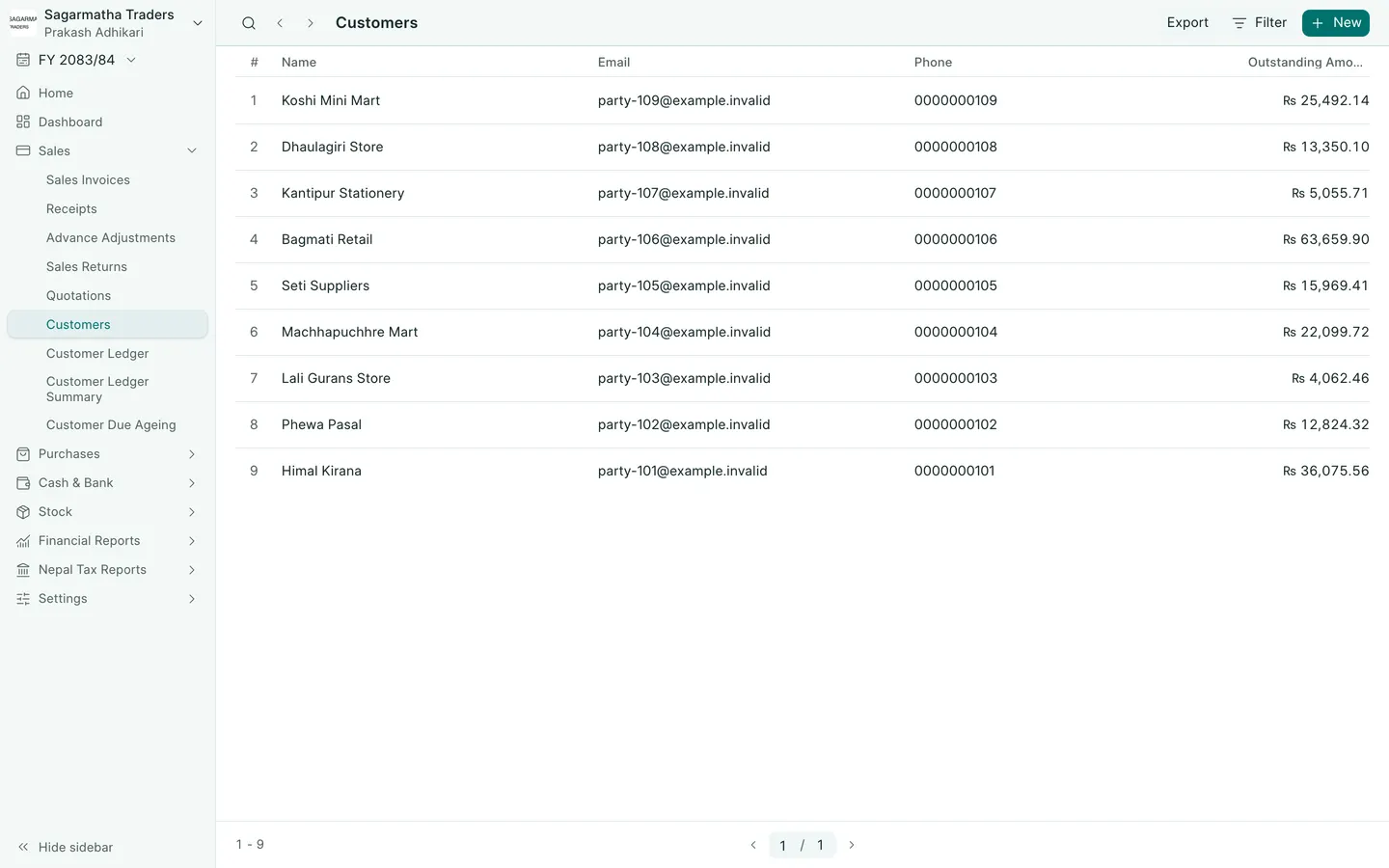
See the phone layout: Customers
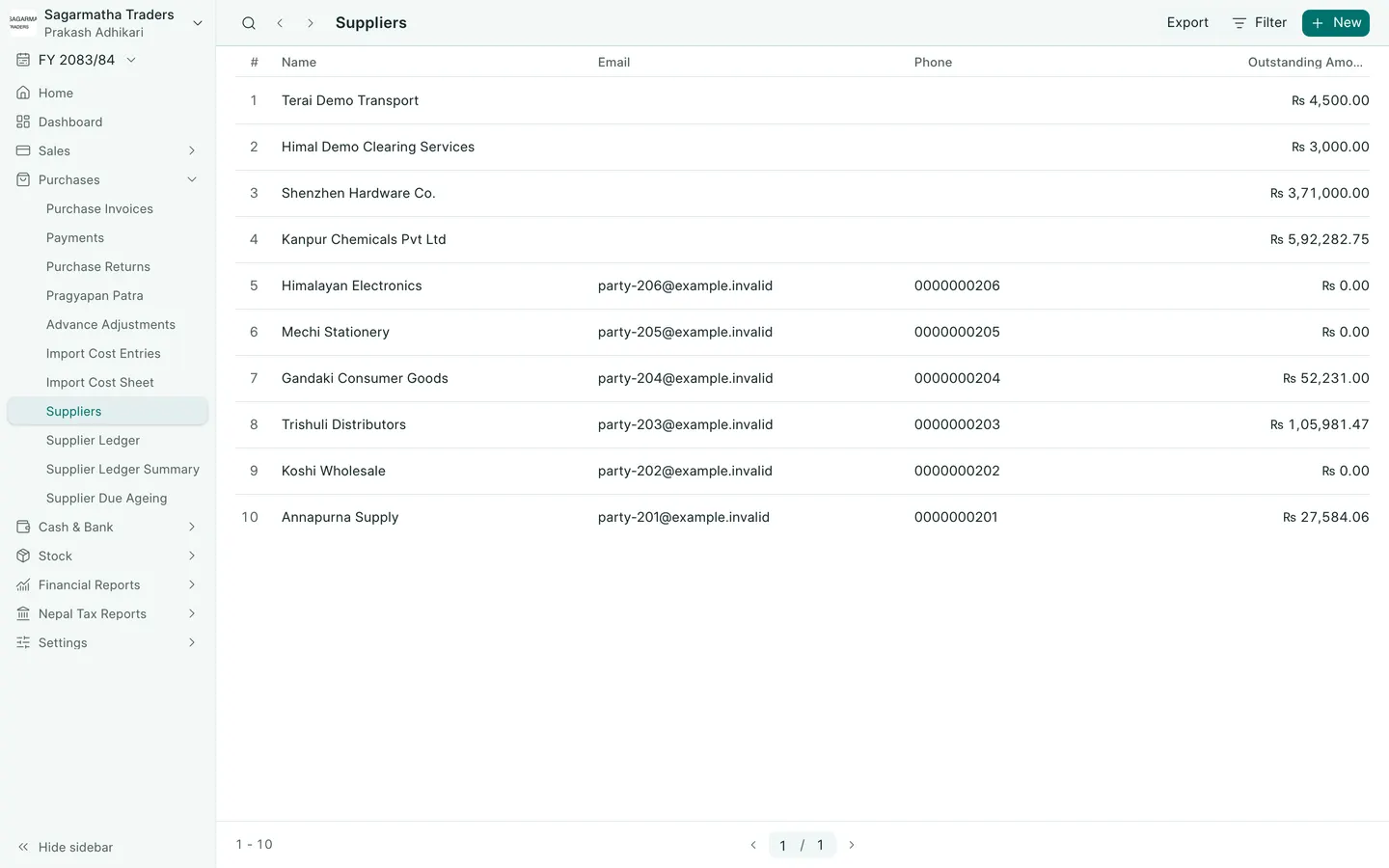
See the phone layout: Suppliers