Make an invoice
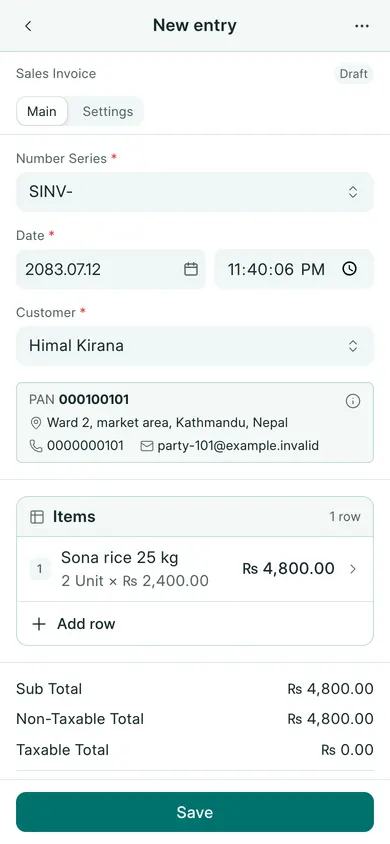
- Open Sales → Sales Invoices → New. On a phone, use Create → Sales Invoice.
- Choose Customer, check Date, and keep the company’s agreed Number Series.
- Choose Add row and select an Item. Enter Qty, check UOM and Rate, and repeat for the other items.
- Check the row tax and the totals. Non-Taxable Total and Taxable Total separate the values before VAT.
- Choose Save and confirm Yes. Review the draft, then choose Submit and confirm.
For tracked goods, ensure the item and stock setup are correct. If your setup requires a separate shipment, use the invoice’s Create menu for that stock document. Do not record the same stock issue twice.
On a phone, Add row opens the row editor. Fill the fields, then choose Done to return to the entry. Tap a row to edit it again.
Payment and corrections
Check This Invoice Outstanding. If payment is due later, leave it outstanding. If money arrives, record a receipt against the bill. When using an invoice’s payment fields, check whether a receipt already exists before creating another.
Drafts can be corrected before submission. A submitted invoice is never deleted or renumbered. Use its allowed cancellation action for a mistaken transaction, or make a sales return for returned goods. If actions are unavailable, check your role, the working year and whether the year is closed.
If your company uses Save & Submit, that button combines the draft-save and submission steps. Review the confirmation before continuing.
In BookPana
Example screens use fictional demo data. Your records and available actions depend on your company and access.
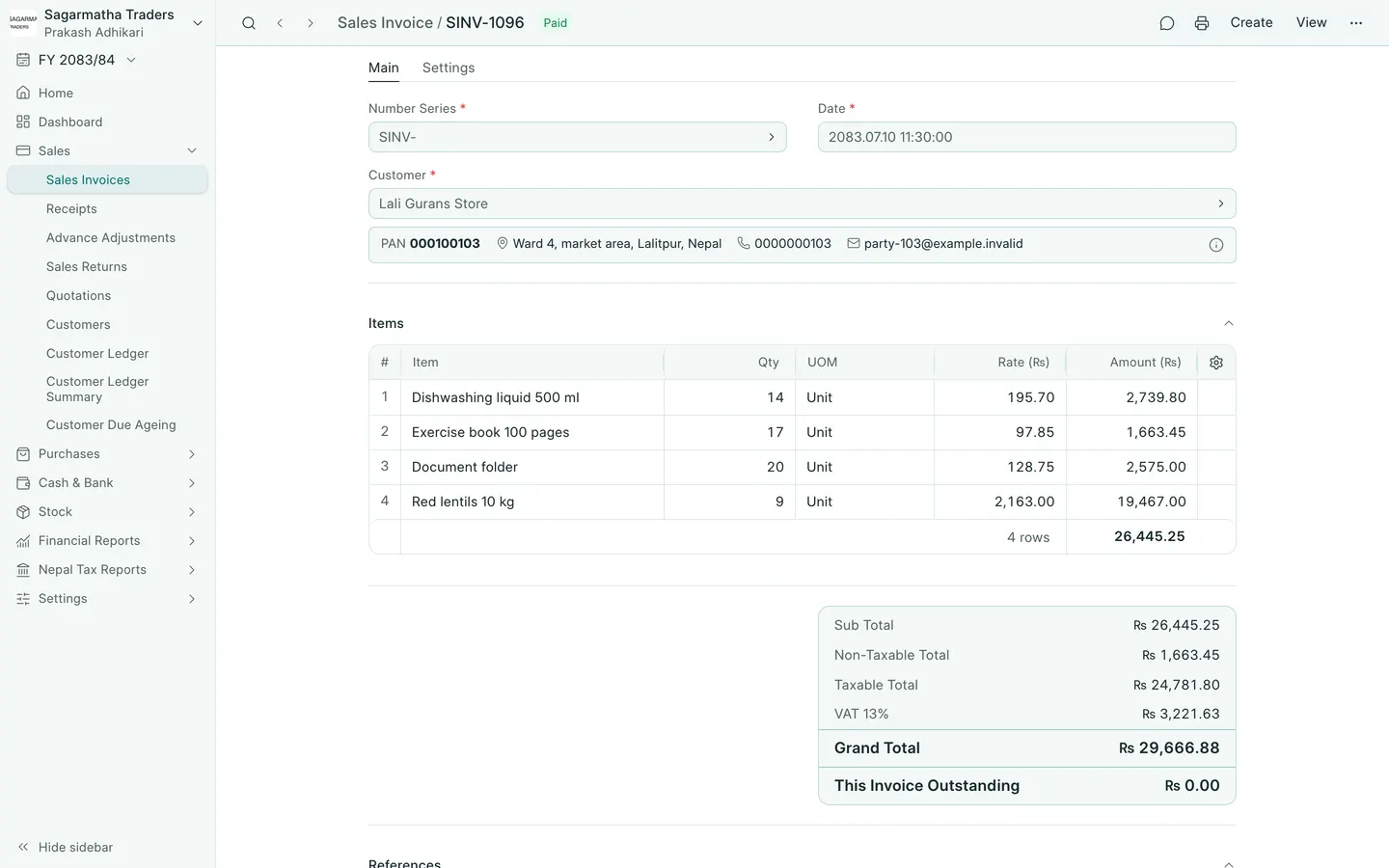
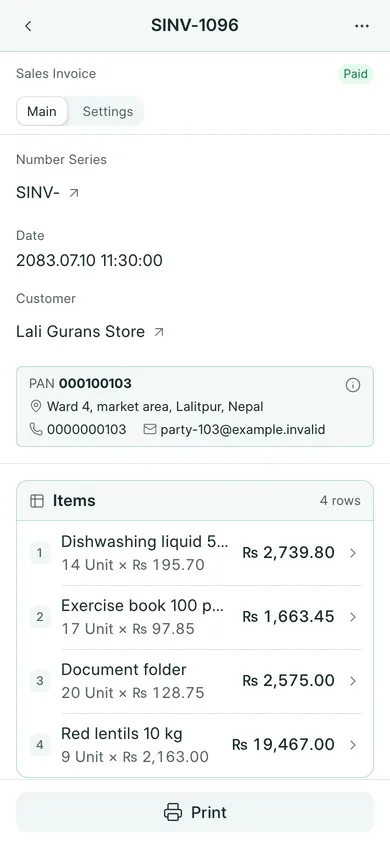
See the phone layout: Sales invoice
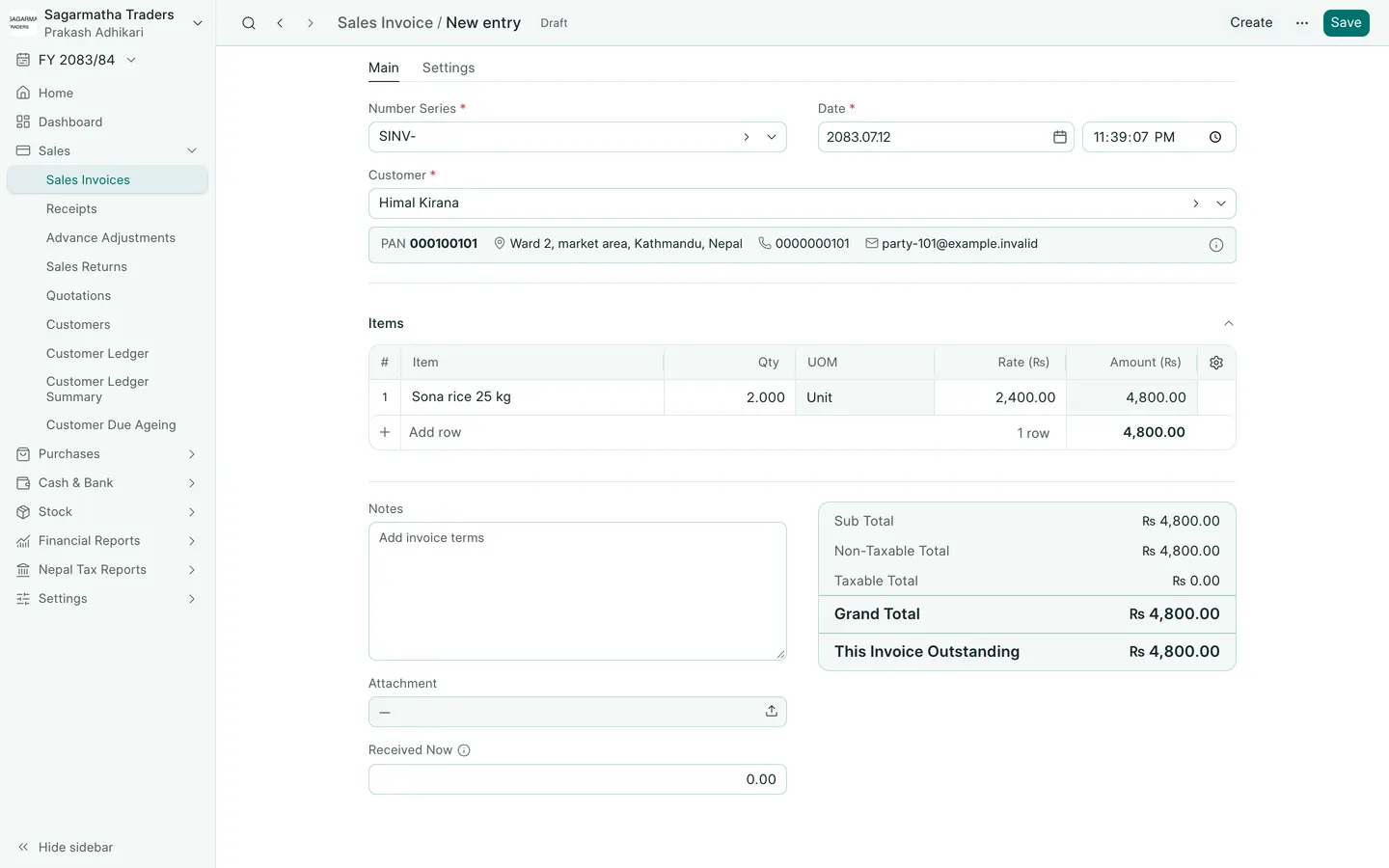
See the phone layout: Invoice before saving